Best of 2016: Best Gaming Mouse
By daire-February 6, 2017
5. Speedlink OMNIVI Core
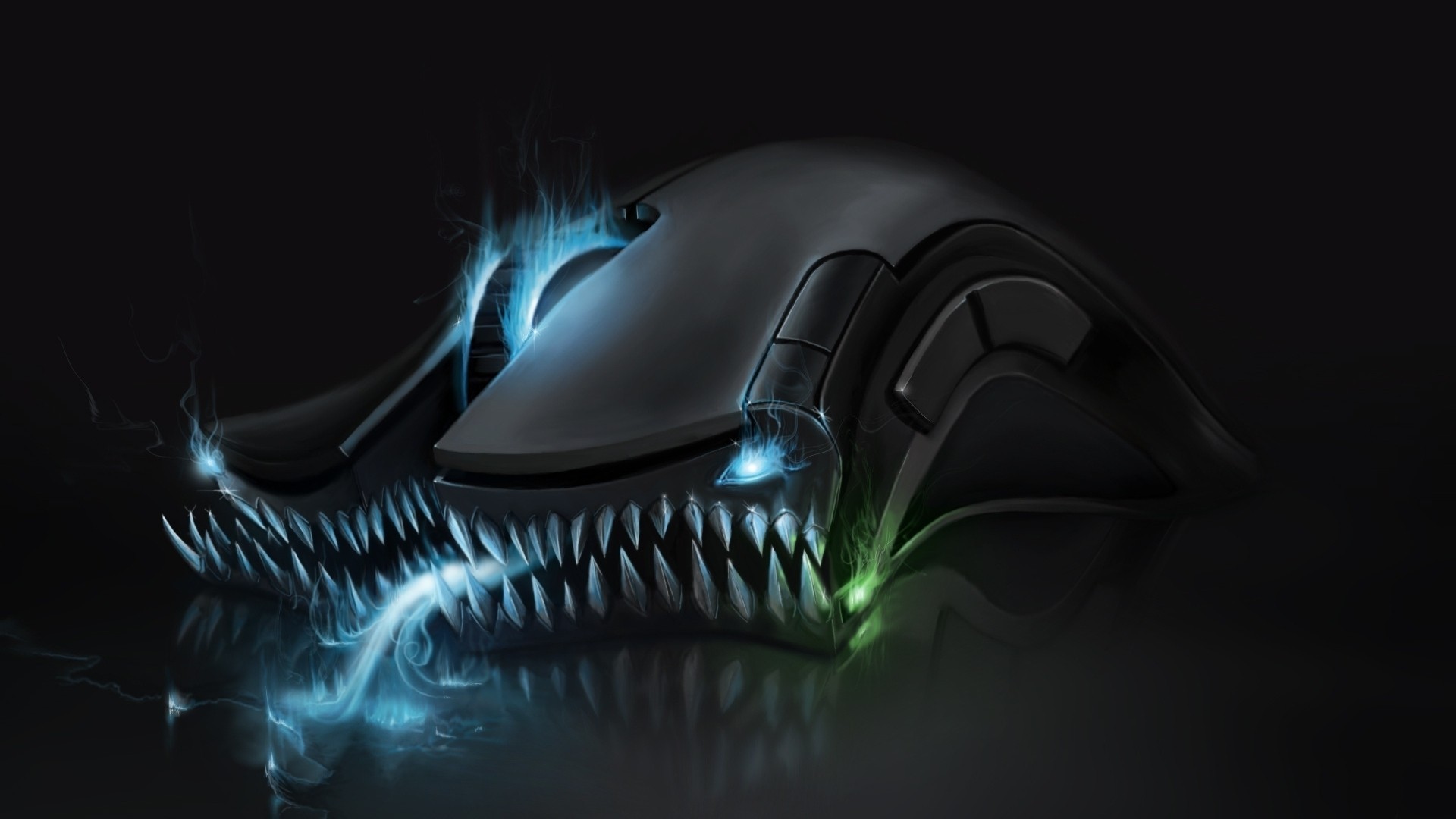
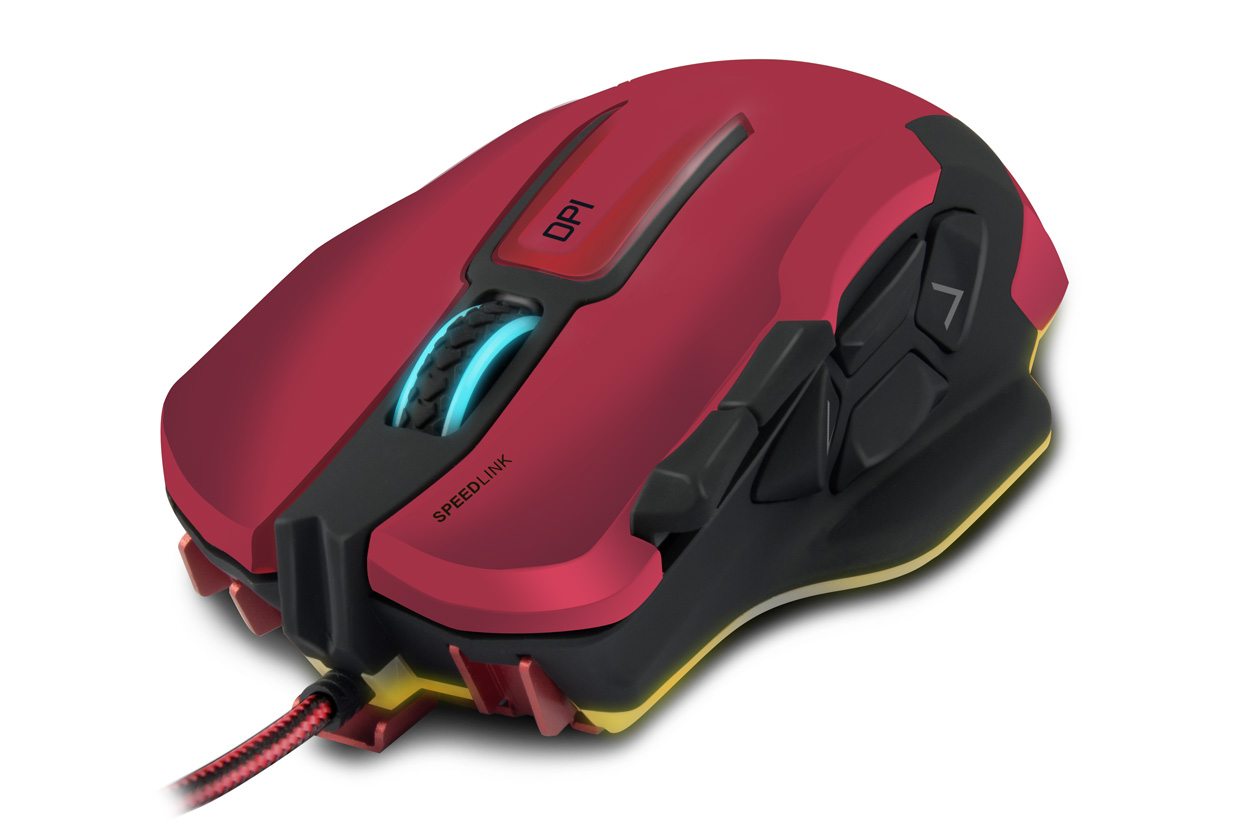
FOR: The MOBA Player The first thing I am going to mention about this mouse is that it is one of the ugliest mice I have used. It has jarring colour schemes and the shape looks awkward and malformed. Even when you hold it, it feels clunky and strange. All that aside, this is a great gaming mouse. A typical gaming mouse will have two thumb buttons where the OMNIVI has four. It also comes equipped with a 12,000 dpi sensor giving it amazing precision. It also comes with a button behind the scroll wheel to change the dpi, a great feature to have when you need precision while aiming or speed when clearing rooms. To me this feels like a mouse for those playing MOBAs such as League of Legends or Dota, its many buttons can be mapped to in-game functions so you're not fumbling with a keyboard in the middle of a scrum. Pros:- 10 configurable buttons
- Adjustable LED lighting in 7 colours
- 12,000dpi optical sensor
- DPI switch
- Braided cable
- Looks ugly
- Hand can feel cramped with extended play
- The finger rest can sometimes feel annoying
4. SteelSeries Rival 700
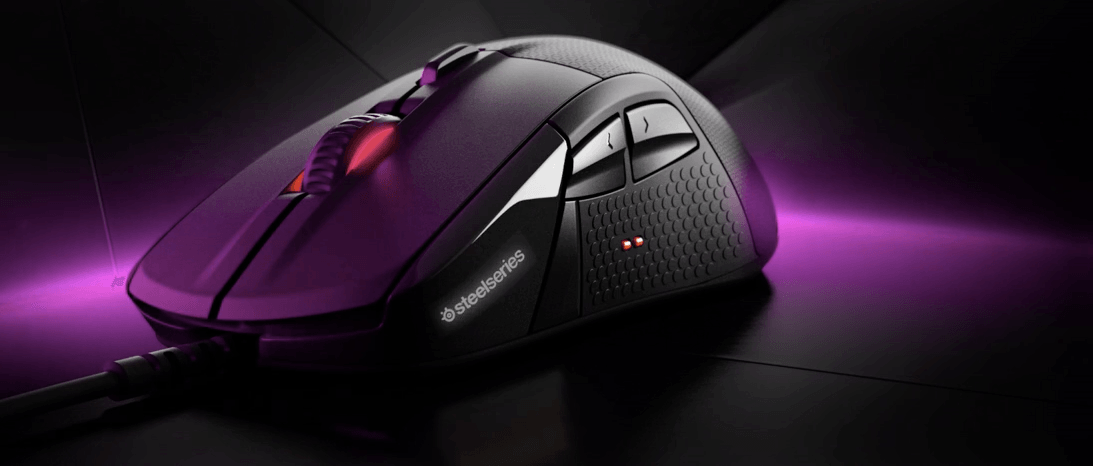
For: The Hardcore Gamer At first glance the Rival 700 looks like a typical gaming mouse, however, it is packed with tonnes of features that few gaming mice make use of and that haven't become mainstream just yet. The first feature is the OLED display on the side of the mouse that can be customised with tonnes of different animated images. The second feature is the addition of vibration feedback -- as in the same vibration you get in controllers. This something I've been looking for in a mouse for quite a while and the Rival 700 doesn't disappoint. The mouse also allows the users to heavily customise it, from swapping out sensors to changing the palm rest and even 3d printing their own! For many, this mouse might seem gimmicky but the precision is nothing to be sneered at. [embed width="300"]https://steelseries.23video.com/12732916/13079265/f285380b25731543e655e1edbc264932/video_1080p/r700heroheaderr071920x700mp4-video.mp4[/embed] Price: €109.99 Pros:- Rubber grip improves handling
- 7 configurable buttons
- Comes with 2 cables; 1m non-braided & 2m braided
- The sensor can be easily swapped out
- DPI switch
- Includes vibration feedback
- 3d printable nameplate
- Swappable palm-rest
- While the OLED screen is cool, the images are limited in selection
- Side buttons can be a bit awkward at times
3. G.SKILL RIPJAWS MX780
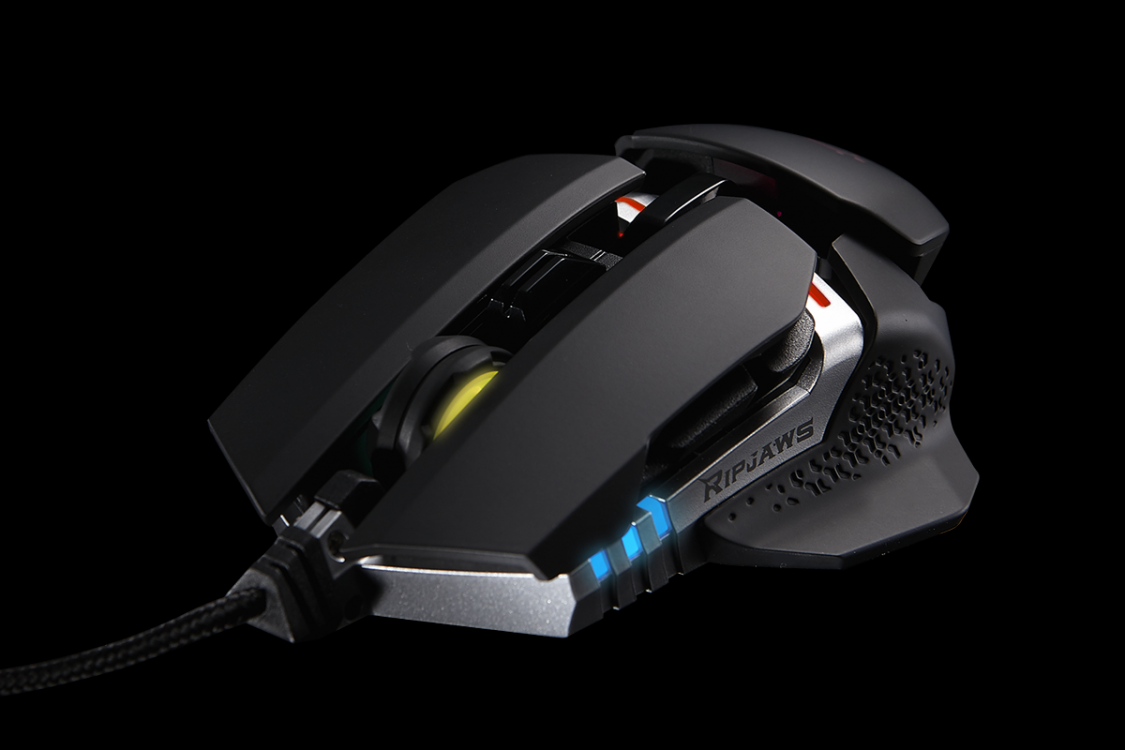
For: Lefties The Ripjaws MX780 from G.Skill doesn't pack the same amount of features as some of the other mice on the market with a Max DPI at 8200 but it makes up for that with its ease of use. The mouse itself comes with interchangeable side grips that allow the mouse to be used by left-handed gamers. Most left-handed mice on the market right now are 3 things: Expensive, awkward and ugly! The MX780 is none of these, well, it may blow a whole in your pocket for a week or so but it's a gaming mouse, get over it! I'm not a lefty so I can't talk about that aesthetic but I have spoken to gamers who swear by it, saying that the added buttons on the right of the mouse finally give them the same advantage as right handed gamers. Looking at the gaming industry, it seems fairly biased towards right-handers seeing as they make up the majority but this leaves left to either pay out for a custom designed product or adapt to the generic control setups. The adjustable weights are another thing that makes this a great mouse and is something that seems to be more common, especially when it comes to competitive games. Despite its look, this mouse is light - even with the extra weights added in. I would have like heavier weights as I like a sturdy mouse but that's just me. This is a good design for any gamer with great precision, but it could be a challenger for a new standard. Pros:- Rubber grip improves handling
- 8 configurable buttons
- Adjustable weights
- Onboard profile storage
- Ambidextrous design -- Macro buttons on BOTH sides of the mouse
- Max Dpi is 8200
- Mouse is farly light
2. Razer Deathadder Chroma
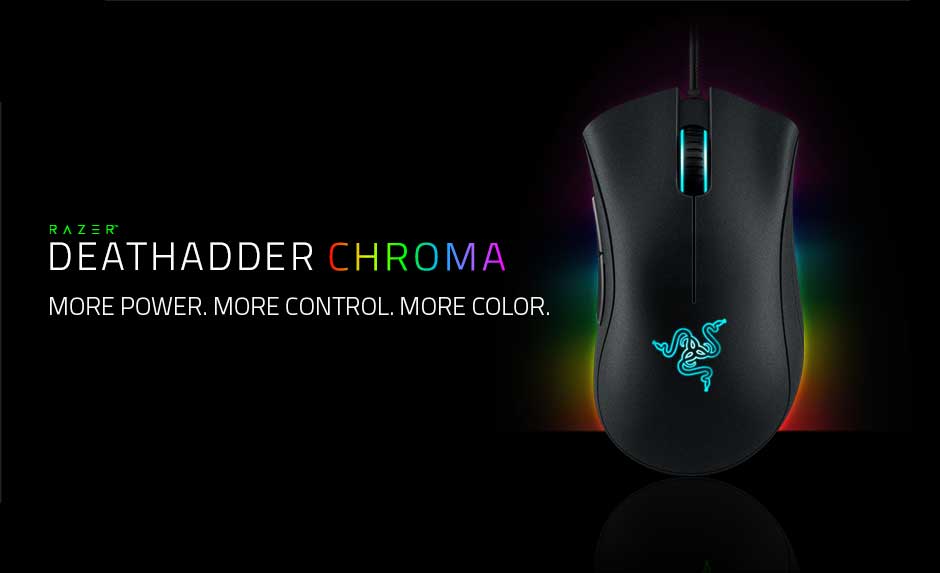
For: All-round use I used to despise this mouse with a passion, this hatred was based largely on the look of the mouse which I am still not so keen on. However, at Gamescom when I was trying out the new overwatch map I was using the Overwatch Branded Razer gear, the Blackwidow Chroma, the Man O’War Tournament Edition and of course the Deathadder Chroma. I'm pretty sure is was the Overwatch Orange re-colour that swayed me but after playing with the mouse for a while I began to realise how great it is. The shape is actually really comfortable and ensures cramp-free gaming sessions over extended hours. I also love the fact that you can change the colours, however, many images are fairly misleading as the sensor doesn't light up at all. That aside, the colours are dim enough not to distract your eyes from the screen but bright enough that the mouse looks savage at a gaming setup. One thing I am quite disappointed with is that there is no dpi switch meaning that I currently use the two side buttons to control that. This seems like a big oversite as the loss of those two buttons is pretty significant, however, Razer seems to have fixed this issue in their new Deathadder Elite. This is a pretty good mouse for most situations but you will have to choose between two macro buttons or a DPI switch, this won't bother the majority of gamers as they tend to stick with the same dpi in game. Pros:- Comfortable shape
- 10,000dpi optical sensor
- On-the-fly sensitivity adjustment
- Textured rubber side grips
- Seven-foot braided cable
- 16.8 million customizable colour options
- No DPI Switch
1. Mad Catz RAT 8
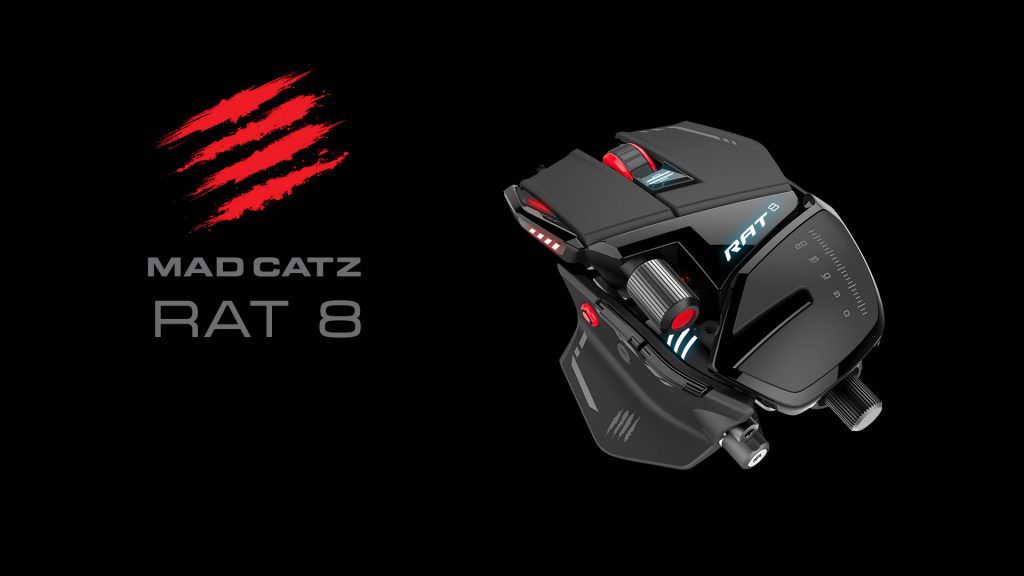
For: Everyone and their grandma I can't say enough good things about this mouse. It has pretty much every feature that makes gaming mice great! Those of you who have been long-time readers probably know how much I loved my RAT 7 when I first got my hands on it, and how I used it faithfully for years. The RAT 7 still is one of the best mice going and at €80 -- only €10 cheaper than the RAT 8, not bad for a mouse that is 5 years old. The original RAT series took customisation to a whole new level, before that point customisation was really only possible from a software perspective, adding the ability to change dpi values, map buttons and create macros. The RAT 8 takes this further again, you can customise everything on the same level as the RAT 7 but now ou can also change weights to make the mouse lighter or heavier depending on your playstyle. The feature that really sold me was the optical scroll wheel, when I was shown this at Gamescom last year I was a bit sceptical when I heard about it but after using the mouse for five minutes I began to see the benefit. No matter what your playstyle is, everyone can use this mouse, it adapts to nearly every environment flawlessly, and the sniper mode button is great for those who play many FPS games or World of Tanks. Pros:- Completely customisable
- 12000 DPI Sensor
- Adjustable weights
- Interchangeable body parts
- Braided cable
- 11 Macro buttons
- Sniper-mode button
- Can't make me coffee