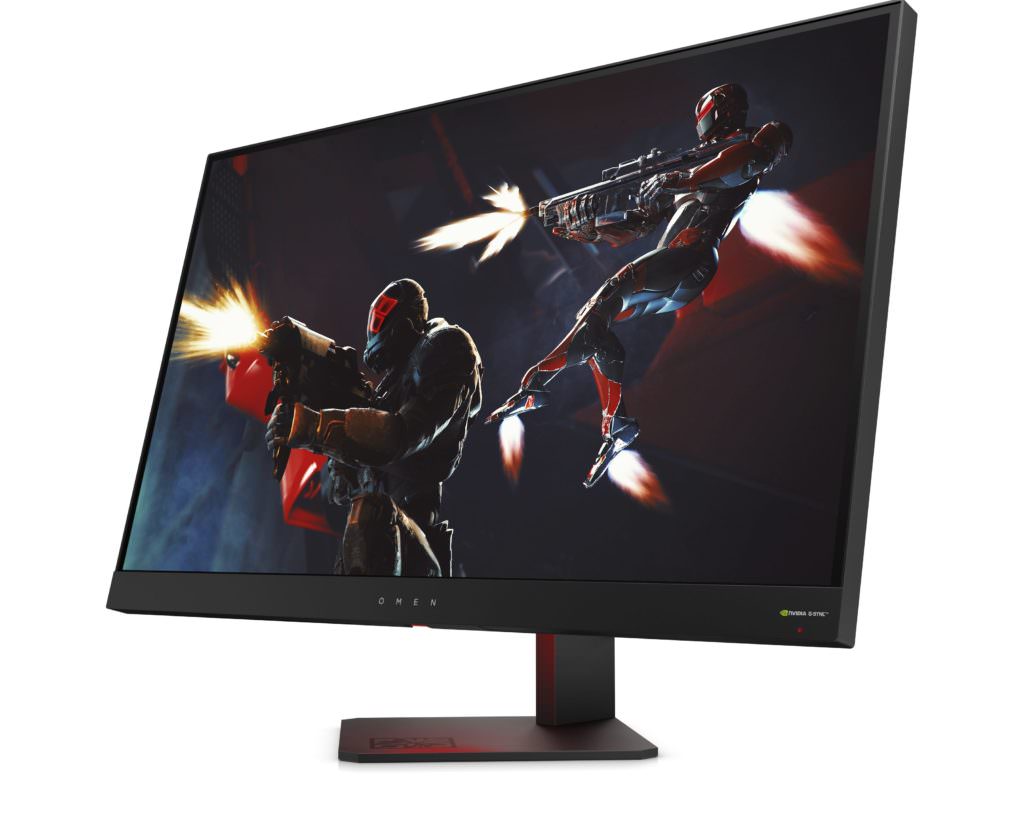
Omen by HP 27 Display review - A Serious Monitor at Serious Cost
By PrimeVinister-June 29, 2018
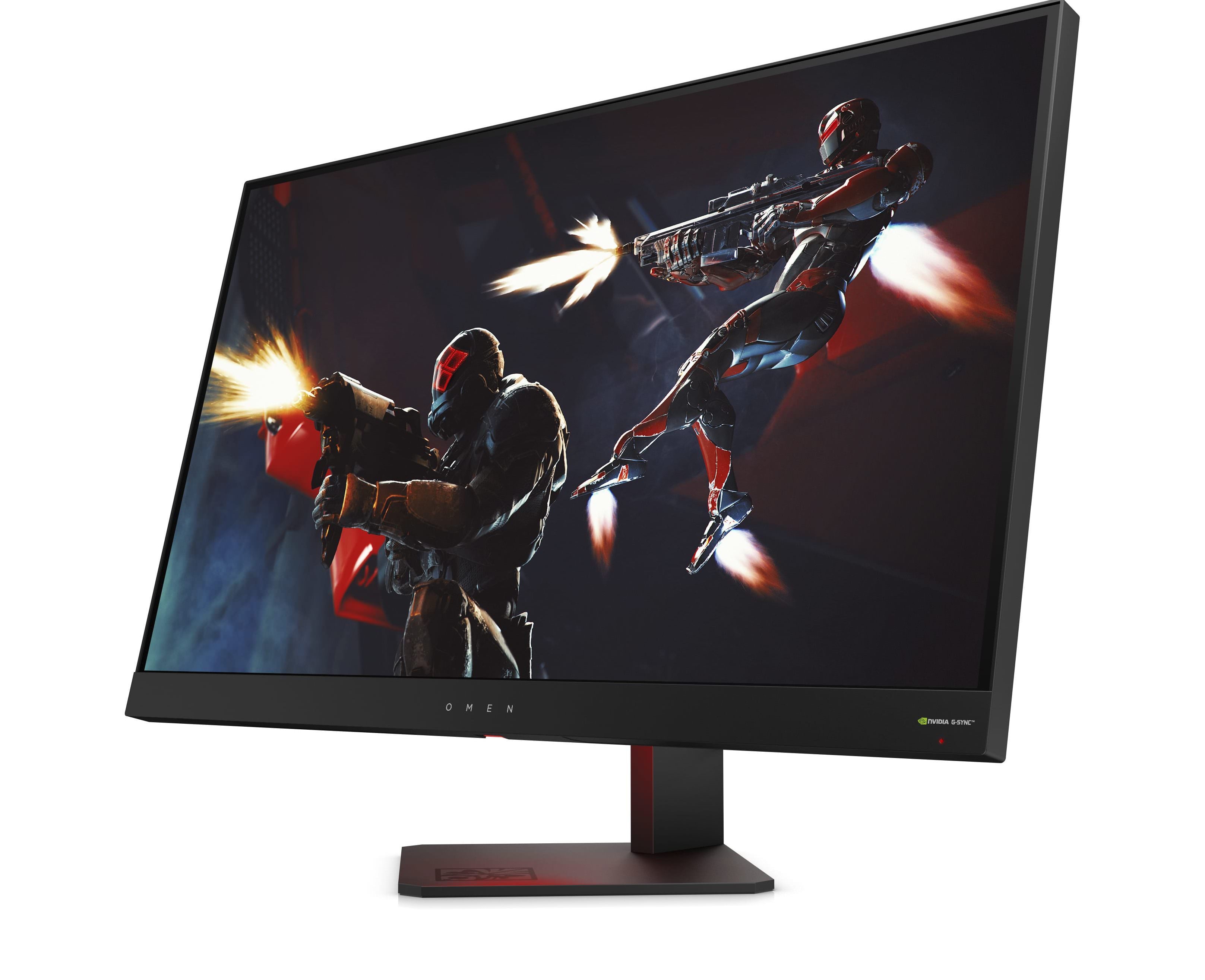
Some users will elect to have the ambient LED shine a neutral white or pale yellow to alleviate dim-room eyestrain while others will pick something horrific to add to their macular masochism
Definitely an Omen
With its textured rear panels, foreboding LED/logo combo and hidden buttons, Omen by HP 27 fits the Omen line-up well. While it's certainly more conventional looking than the Omen by HP X 17 or Omen X by HP desktop, HP did push the visual boundaries about as far as they realistically could. Monitors have to have a rectangular screen and minimal bezel - there isn't much wiggle room. [caption id="attachment_26926" align="aligncenter" width="696"]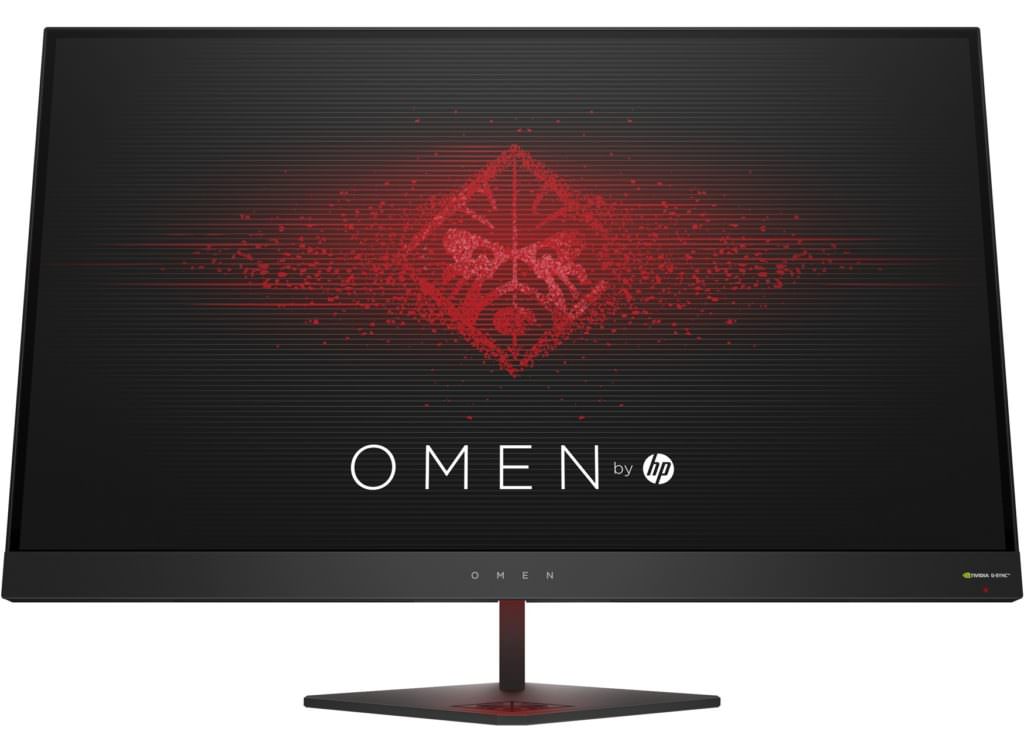 Clean and minimal for an Omen but it still fits the line-up[/caption]
The choice of an LED below the screen pointing to the Omen logo is both functional and aesthetically interesting. Some users will elect to have a neutral white or pale yellow to alleviate dim-room eyestrain while others will pick something horrific to add to their macular masochism.
The diamond-shaped foot and sharply-rounded corners are subtle details that feed in the Omen look and help the monitor stand out visually.
Clean and minimal for an Omen but it still fits the line-up[/caption]
The choice of an LED below the screen pointing to the Omen logo is both functional and aesthetically interesting. Some users will elect to have a neutral white or pale yellow to alleviate dim-room eyestrain while others will pick something horrific to add to their macular masochism.
The diamond-shaped foot and sharply-rounded corners are subtle details that feed in the Omen look and help the monitor stand out visually.
The G-2-G response time is largely the result of HP choosing a TN panel over IPS - for gamers, this is essentially a trade off of incredible response times and minimal lag input VS. colour depth and contrast ratio
Ergonomically-Diverse
The ease with which users can adjust their display is an under-rated aspect in judging such devices. Omen by HP 27 mixes a couple of errors and oversights in this respect, albeit mixed with some clever design. HP really dropped the ball on some of the basics. The addition of a headphone stand is nice on paper but it's behind the screen. The buttons are behind the panel rather than on the side or lower edge - it takes that little bit longer to find/use them. A user can adjust a preset to their liking and save the settings but there is only one custom slot. In an age when many premium gaming monitors come with auxiliary controls with custom-settings hot keys; one custom slot is shocking. The stand and spring-loaded vertical adjustment slide are faultless aside from the slightly irritating sound it makes while moving. [caption id="attachment_26927" align="aligncenter" width="696"]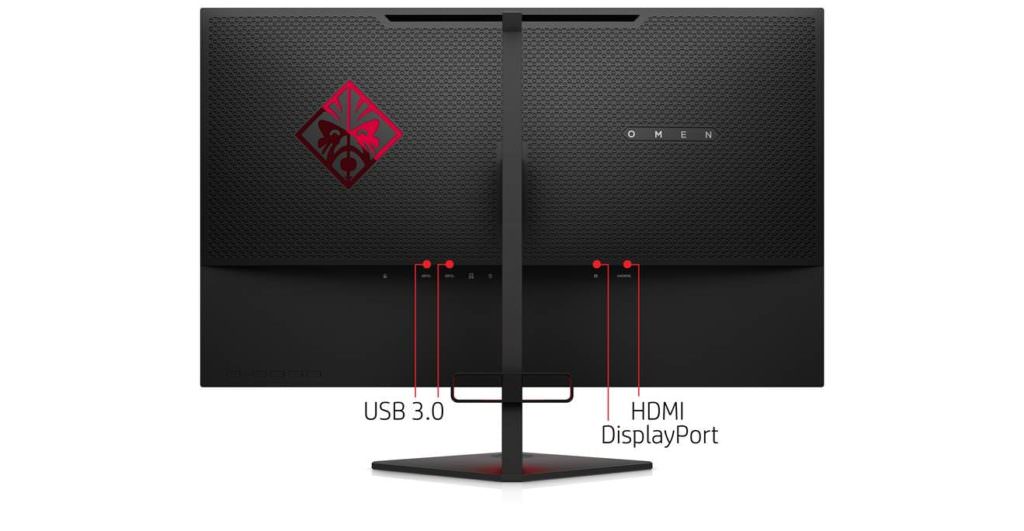 Why put the headphone arm on the back?[/caption]
Though the vast majority of users will use the provided stand, the VESA mount arrangement is sub-par. I noticed the screws were short and didn't inspire confidence that it would hold up to regular adjustable stand use. After a short period of periodically turning the screen to face the couch, the screws became loose and sheered.
Why put the headphone arm on the back?[/caption]
Though the vast majority of users will use the provided stand, the VESA mount arrangement is sub-par. I noticed the screws were short and didn't inspire confidence that it would hold up to regular adjustable stand use. After a short period of periodically turning the screen to face the couch, the screws became loose and sheered.
165Hz Gaming is objectively slick and while shaving the response time down to 1ms might seem arbitrary, it does give gamers one less thing to blame when they get fragged
Display of Intent
The display itself is excellent for gaming. Bright, sharp and incredibly smooth. Users upgrading their FHD 60Hz monitors to match their increased gaming power will probably cry a few tears of joy. I know I did. To get the very best from the 165Hz refresh rate, users will need a serious rig (or history's best-optimised game). Games are noticeably smoother at 165Hz and the 1ms grey-to-grey response time is excellent. The G-2-G time is largely the result of HP choosing a TN panel over IPS - for gamers, this is essentially a trade off of incredible response times and minimal lag input VS. colour fidelity and contrast ratio. [caption id="attachment_22633" align="aligncenter" width="696"]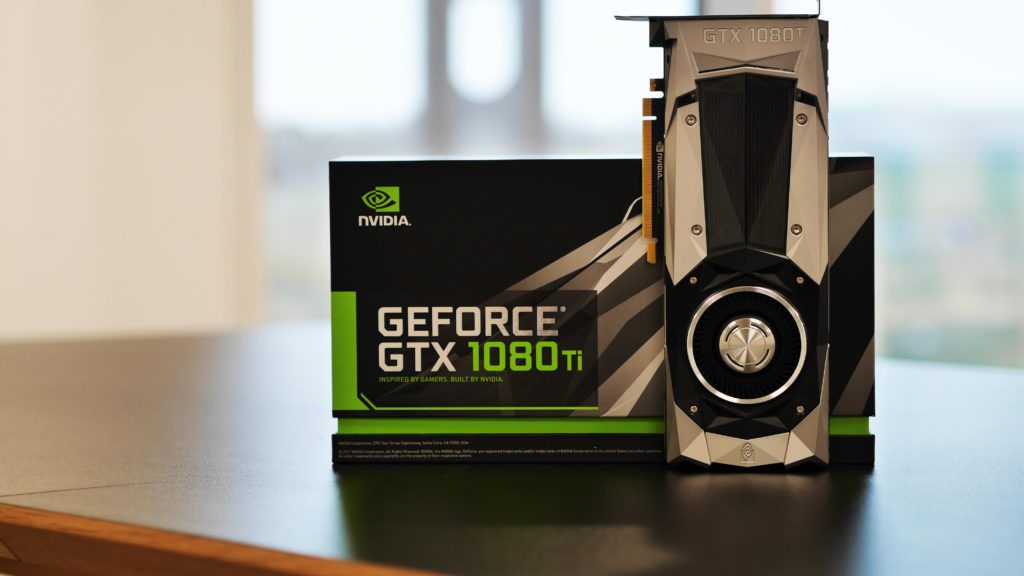 Ideally...[/caption]
For NVidia GPU users, the application of G-Sync is superb here. Screen-tearing was rare, if not completely absent while using compatible hardware. G-Sync is proprietary, of course, so beware that this feature depends on your choice of GPU.
Detailed technical specs are below but it is worth pointing to the contrast figures. A 1000:1 static contrast is good for a TN panel but mediocre overall - you won't be editing photos on the Omen by HP 27.
Ideally...[/caption]
For NVidia GPU users, the application of G-Sync is superb here. Screen-tearing was rare, if not completely absent while using compatible hardware. G-Sync is proprietary, of course, so beware that this feature depends on your choice of GPU.
Detailed technical specs are below but it is worth pointing to the contrast figures. A 1000:1 static contrast is good for a TN panel but mediocre overall - you won't be editing photos on the Omen by HP 27.
This isn't a TV so a living room's worth of folk 'circled around the monitor watching the Moon Landing' isn't a realistic scenario
Bleeding Edges
The display seems a little bright out of the box. The backlight bleed is also severe - users would do well to adjust the settings immediately as these bleeding edges, the panel's greatest flaw, are more obvious at higher outputs. [caption id="attachment_26925" align="aligncenter" width="696"]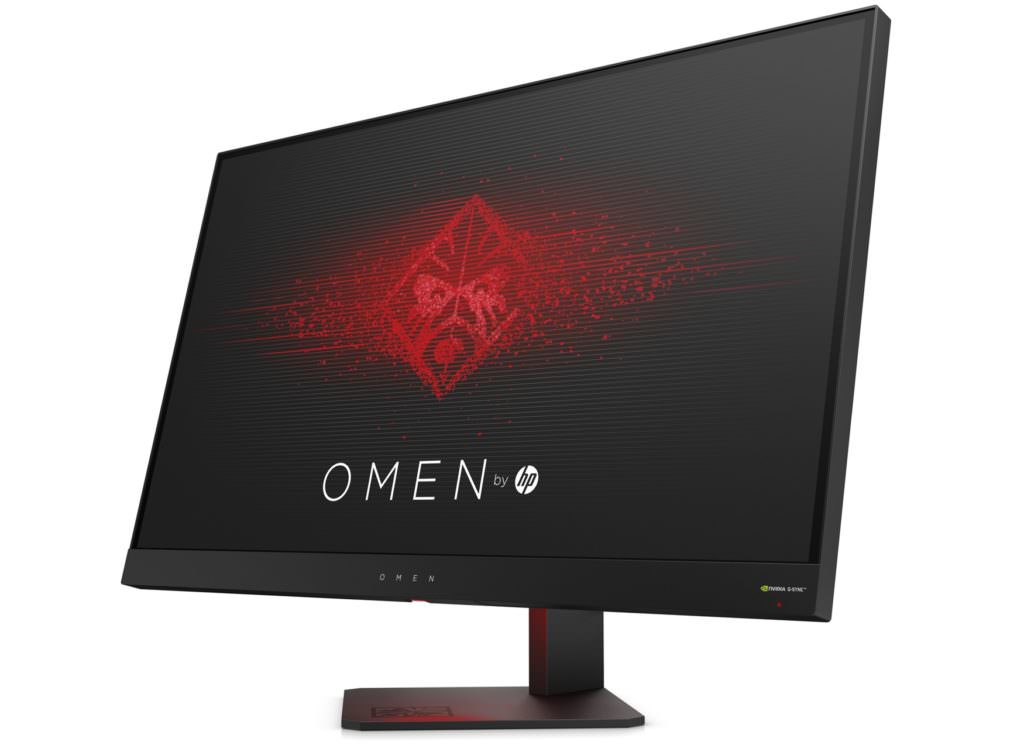 165Hz and a 1ms G2G here VS. inky blacks and accurate colour in an IPS[/caption]
The TN tech of the panel isn't as nuanced or colourful as other display types nor does it reach their deep darks so an adjustment to brightness is recommended to tackle the over-blown brights and 'grey' blacks.
Another quirk of the TN panel is that vertical viewing angles are somewhat shocking - since the technology isn't common anymore (but making a comeback!), you may forget how quickly it blows out, inverts and then fades away beyond 150 degrees or so. Horizontally-speaking, it manages to preserve detail to around 165 but colour begins to fade at 150 or so. For the average gamer, this probably means nothing as they will likely be sharing their screen with only one or two people at a time maximum. This isn't a TV so a living room's worth of folk 'circled around the monitor watching the Moon Landing' isn't a realistic scenario.
165Hz and a 1ms G2G here VS. inky blacks and accurate colour in an IPS[/caption]
The TN tech of the panel isn't as nuanced or colourful as other display types nor does it reach their deep darks so an adjustment to brightness is recommended to tackle the over-blown brights and 'grey' blacks.
Another quirk of the TN panel is that vertical viewing angles are somewhat shocking - since the technology isn't common anymore (but making a comeback!), you may forget how quickly it blows out, inverts and then fades away beyond 150 degrees or so. Horizontally-speaking, it manages to preserve detail to around 165 but colour begins to fade at 150 or so. For the average gamer, this probably means nothing as they will likely be sharing their screen with only one or two people at a time maximum. This isn't a TV so a living room's worth of folk 'circled around the monitor watching the Moon Landing' isn't a realistic scenario.
Specifications
- Resolution: Quad HD 2560 x 1440
- Screen Size (Diagonal Length): 27", 68.6cm
- Refresh Rate: 24Hz-144Hz, 165Hz (Overclocked)
- Contrast Ratio: Static 1,000:1, Dynamic 10,000,000:1
- Brightness: 350 cd/m2
- Colour Depth: 24-bit
- Response Time (G2G): 1ms
- Connections: HDMI x 1, DisplayPort x 1, USB 3.0 x 3
- VESA Mount: 100 x 100mm
- Dimensions: 533.6 x 272.5 x 613.6mm (H x W x D)
- Weight: 6.48 kg